Team collaboration
Your team, working off one record.
Permissions, notes, tasks, and a live activity trail. Everything a growing team needs to move fast without stepping on each other or losing the context that wins the deal.
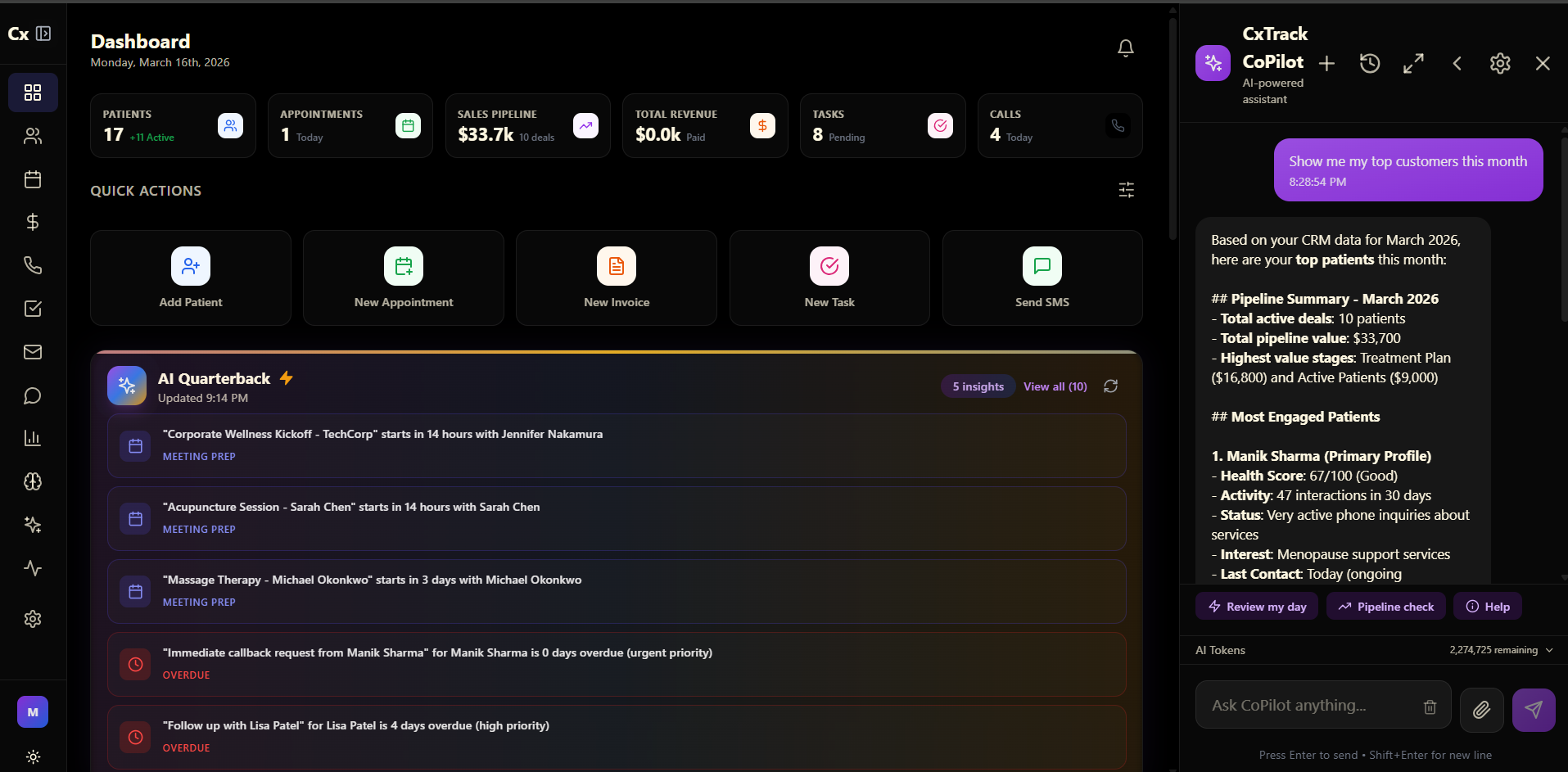
What your team gets
Coordination built into the work, not bolted on after
Each of these lives on the same customer record the rest of CxTrack runs on. No second tool to sync, no context left in someone's head.
Role-based access
Decide exactly who sees what. Reps work their own deals, managers see their team, owners see everything. One settings panel, no spreadsheets of who can touch what.
Internal notes and mentions
Leave context on any record and mention a teammate to pull them in. The note lives with the customer, so the next person never has to ask what happened.
Task assignment
Hand off work with a deadline and a priority. It lands in their day, reminders fire on their own, and you can see what is done without asking for an update.
Activity feed
A live record of who did what and when, tied to the customer it touched. Everyone is on the same page because the page writes itself.
Performance view
See output by person and by team without building a report. Recognise the people carrying the load and spot where a deal is stalling before it goes cold.
Audit logs
Every change, login, and export is logged with a timestamp and a name. An immutable trail your admins can pull for a security review or a compliance check.
How it works
Three steps to a team that runs itself
Set up the team
Invite your people, assign roles, and define what each role can see and do. The structure of your business, mapped once.
Work in context
Mention on deals, assign tasks, leave notes. Everything is tied to a real customer record instead of scattered across chat threads.
See what is working
The performance view shows who is moving the needle. The activity log shows the work behind it. Accountability without micromanaging.
Questions
The things teams ask first
How does role-based access work?+
What can I configure per role?+
Is there an activity log?+
Can teams share templates and automations?+
How does task assignment work?+
Is there an audit trail for compliance?+
Have a question about setting up your team? info@cxtrack.com
One platform for the work you
keep paying six tools to do.
Contact us and we will map exactly how we would build and run it for your business. No sales gauntlet, no obligation.
Built in Canada. Every engagement scoped to your business.